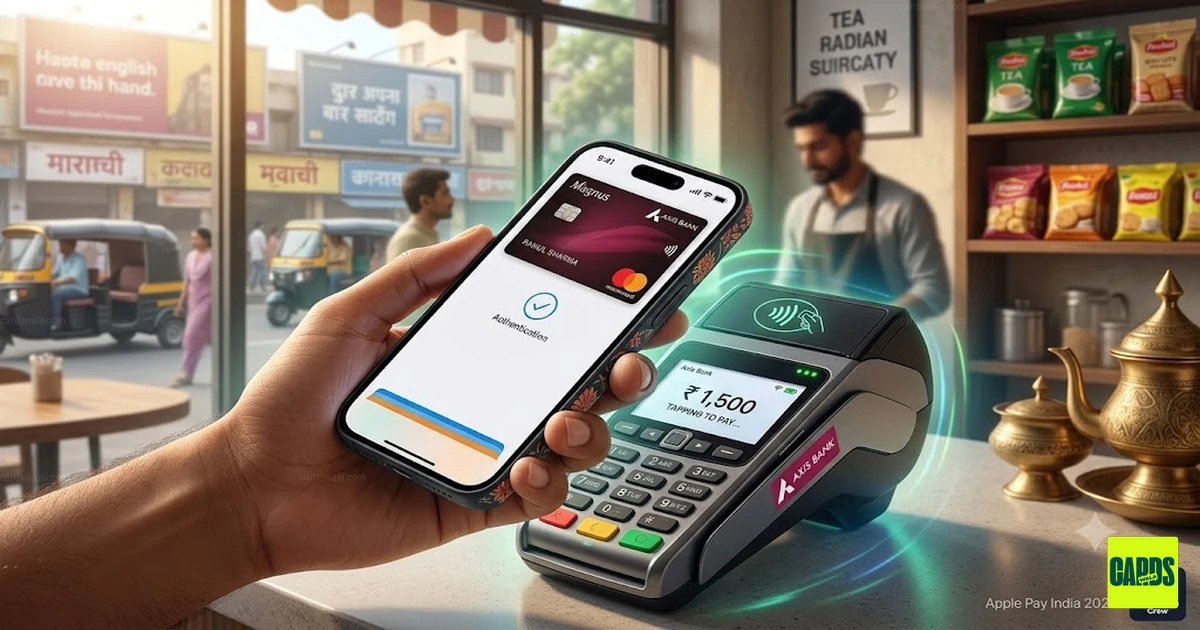
Apple Pay India 2026: Launch, Supported Cards, Setup and How It Works
Apple Pay has finally launched in India, giving iPhone and Apple Watch users another way to make contactless payments using supported credit cards.
The initial rollout in India is through Axis Bank, with support for eligible Axis Bank Visa and Mastercard credit cards. Apple Pay can be used for contactless payments at compatible terminals, supported online checkouts and international transactions where Apple Pay is accepted.
In this guide, we cover everything you need to know about Apple Pay in India — supported cards, how to set it up, how payments work, transaction limits, rewards and how Apple Pay compares with UPI.
What is Apple Pay?
Apple Pay is Apple's digital wallet and payment service. It allows users to add eligible credit and debit cards to the Apple Wallet and use their Apple devices to make payments.
Instead of physically tapping your credit card on a payment terminal, you can use an iPhone or Apple Watch.
For supported transactions, Apple Pay uses the device's built-in security features such as Face ID, Touch ID or the device passcode to authenticate the payment.
Apple Pay India Launch
Apple Pay launched in India on September 30, 2026.
The initial launch partner is Axis Bank, with eligible Axis Bank Visa and Mastercard credit cards supported at launch.
The rollout is focused on card-based payments rather than UPI transactions.
This means Apple Pay does not replace UPI apps such as Google Pay or PhonePe. Instead, it provides another way to use your existing credit card for supported payments.
Which Cards Are Supported?
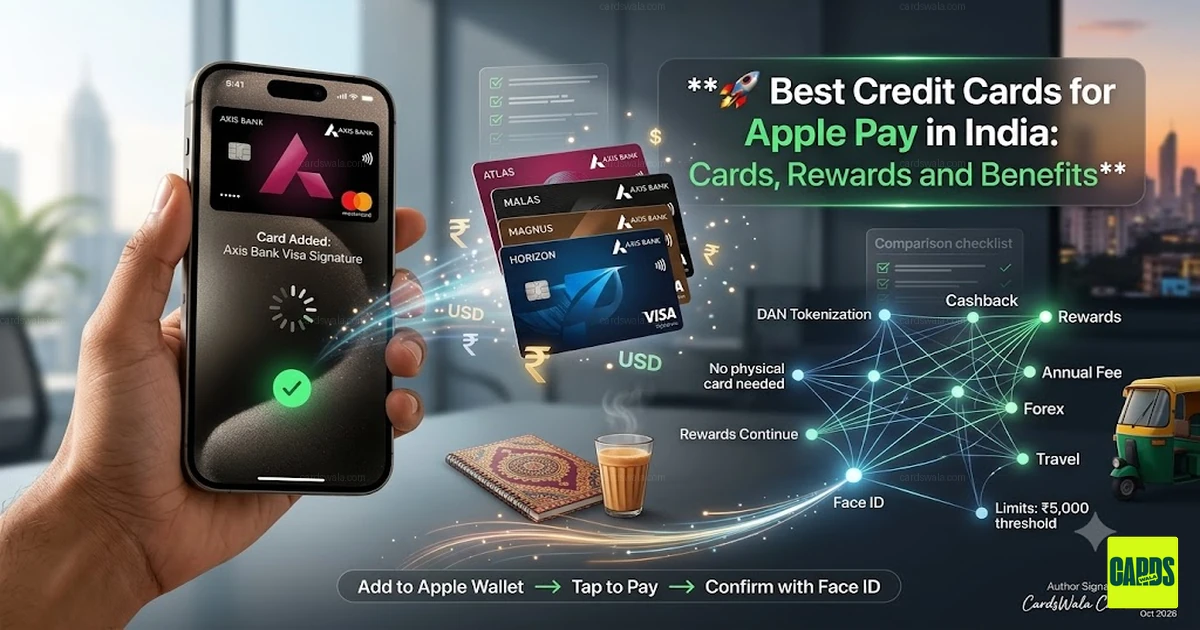
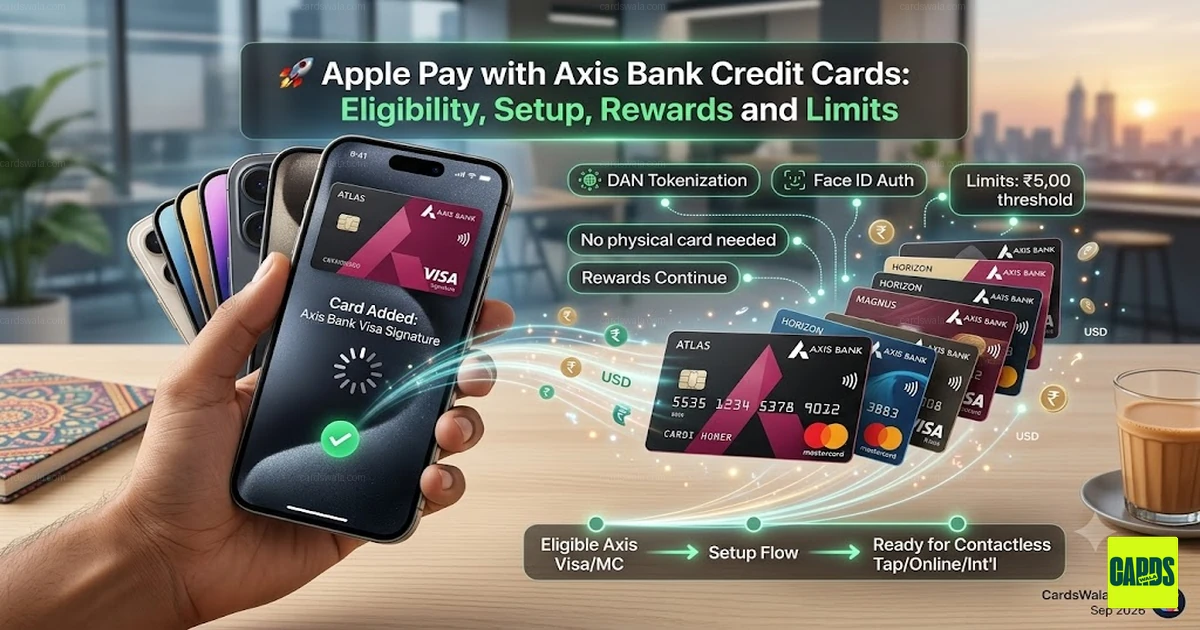
At launch, Apple Pay supports eligible Axis Bank Visa and Mastercard credit cards.
Some of the Axis Bank cards covered in the initial rollout include:
- Axis Magnus Credit Card
- Axis Atlas Credit Card
- Axis Horizon Credit Card
- Axis Select Credit Card
- Axis Neo Credit Card
- Flipkart Axis Bank Credit Card
- Airtel Axis Bank Credit Card
- Eligible add-on credit cards
The exact eligibility can depend on the card variant and Axis Bank's provisioning rules.
Cards Not Supported at Launch
The initial rollout does not include every Axis card.
The research for the launch identifies the following categories as excluded or restricted:
- RuPay credit cards
- Axis Bank debit cards
- Prepaid and Forex cards
- Most corporate and commercial cards
Support for additional card networks and card types may change as the service expands.
How Does Apple Pay Work?
Apple Pay does not simply store your physical card number on your iPhone.
Instead, Apple Pay uses a tokenized card credential known as a Device Account Number (DAN).
The token is associated with your specific device and is stored in the device's Secure Element.
This means your actual card number is not exposed to the merchant during a normal Apple Pay transaction.
Apple Pay Payment Flow
A typical contactless payment works like this:
- Add your eligible card to Apple Wallet.
- Your bank verifies the card.
- A device-specific payment credential is provisioned.
- The credential is stored securely on the device.
- At checkout, authenticate using Face ID, Touch ID or your passcode.
- Hold your iPhone or Apple Watch near the contactless terminal.
- The payment is processed through the card network.
How to Set Up Apple Pay in India
There are two primary ways to add an eligible Axis Bank credit card.
Method 1: Through the Axis Bank App
If your eligible card supports Apple Pay:
- Open the Axis Bank mobile application.
- Find the option to add your card to Apple Wallet.
- Select the eligible credit card.
- Follow the authentication instructions.
- Complete verification.
- Your card will be added to Apple Wallet.
Method 2: Through Apple Wallet
You can also open the Apple Wallet app and select the option to add a card.
Then:
- Select credit or debit card.
- Scan or enter your card details.
- Follow the verification process.
- Complete the bank authentication.
- Wait for the card to be provisioned.
Depending on the card, verification can involve SMS OTP, in-app authentication or customer-service verification.
What Devices Support Apple Pay?
The launch supports compatible Apple devices running the required operating-system versions.
The research identifies:
- iPhone: iOS 18+
- Apple Watch: watchOS 11+
- iPad: iPadOS 18+
- Mac: Support is expected to be introduced separately
Device eligibility can also depend on the specific Apple hardware.
Where Can You Use Apple Pay in India?
Apple Pay can be used wherever the merchant's payment terminal supports compatible contactless card payments.
For an in-store transaction:
- Double-click the side button on your iPhone.
- Authenticate with Face ID, Touch ID or your passcode.
- Hold the top of your iPhone near the contactless terminal.
- Wait for the payment confirmation.
Apple Watch users can authenticate using the watch and hold it near the terminal.
Can You Use Apple Pay for Online Payments?
Yes.
Apple Pay can also be used at supported online checkouts and apps.
The launch research identifies services such as:
- Blinkit
- Chaayos
- Croma
- Ixigo
- Tata 1mg
- Zomato
as examples of merchants or checkout environments supporting Apple Pay.
Availability can vary by merchant, device and checkout implementation.
Apple Pay Transaction Limits
Transaction limits can depend on the merchant terminal, card issuer and authentication method.
The research identifies the traditional Indian contactless no-PIN limit as ₹5,000, while Apple Pay uses device-based authentication such as Face ID or Touch ID.
Terminal and issuer behaviour can vary, so users should not assume that every transaction will work identically across merchants.
Do You Earn Credit Card Rewards with Apple Pay?
Apple Pay is generally a payment method rather than a separate rewards program.
When you add an eligible Axis Bank credit card, the underlying transaction continues to be associated with that credit card.
Therefore, whether you earn rewards, cashback or other benefits depends on the terms of your specific Axis Bank card and the transaction category.
Always check your card's reward exclusions before assuming that an Apple Pay transaction will receive a particular benefit.
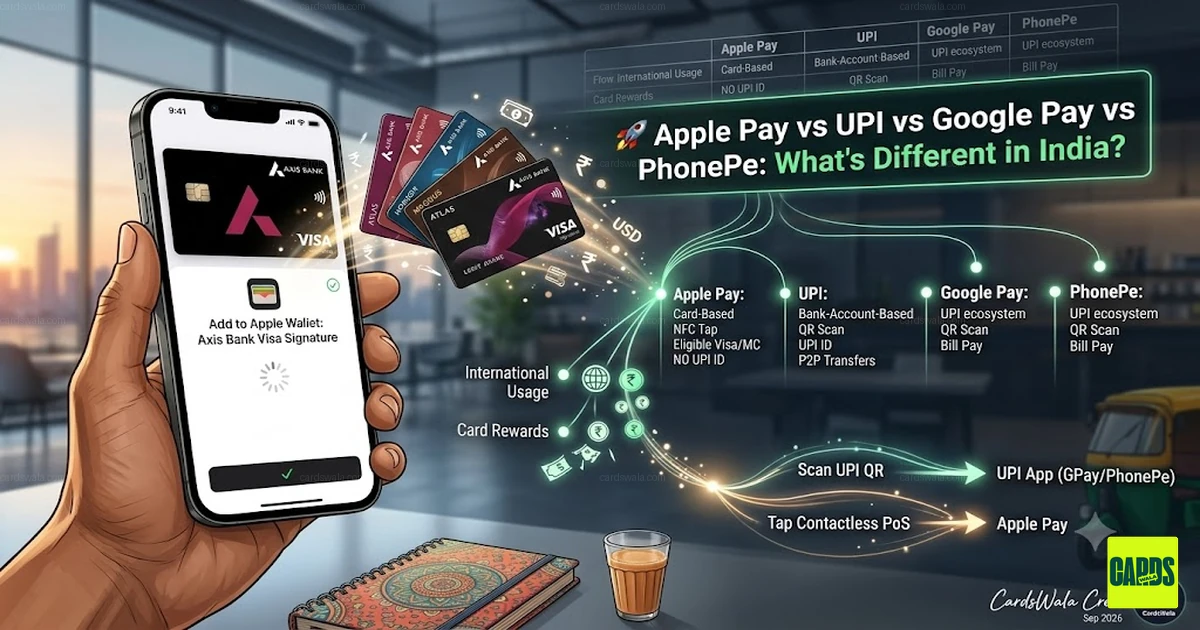
Is Apple Pay Different From UPI?
Yes.
Apple Pay and UPI use fundamentally different payment systems.
| Feature | Apple Pay | UPI |
|---|---|---|
| Primary payment method | Card | Bank account |
| Credit cards | Supported eligible cards | Depends on UPI/card integration |
| QR payments | Not the primary use case | Core feature |
| Contactless NFC | Yes | Not the standard UPI flow |
| P2P transfers | No | Yes |
| Apple devices | Strong integration | Depends on app |
| International card usage | Yes, where supported | More limited |
| Card rewards | Depends on card | Depends on payment method |
Apple Pay should therefore be viewed as a digital wallet for supported cards rather than another UPI app.
Can You Use Apple Pay Internationally?
Yes, provided the underlying card and merchant support the required network and Apple Pay.
For example, an eligible Axis Bank Visa or Mastercard can potentially be used through Apple Pay at international merchants that accept the relevant card network and Apple Pay.
However, foreign exchange charges and card-specific forex markups can still apply.
Apple Pay does not automatically remove your credit card's international transaction fees.
What Happens When You Change Your iPhone?
Apple Pay credentials are associated with the individual device.
If you purchase a new iPhone, you may need to add and verify your card again.
This is part of the security model and prevents a previously provisioned payment credential from simply being transferred to another device without verification.
Is Apple Pay Safe?
Apple Pay uses several layers of security, including:
- Device-specific payment credentials
- Secure Element storage
- Face ID or Touch ID
- Device passcode authentication
- Tokenized payment credentials
The merchant does not receive your physical card number during a normal Apple Pay transaction.
However, users should still protect their Apple Account, device passcode and banking credentials.
Apple Pay vs Physical Credit Card
Apple Pay does not replace your underlying credit card.
Instead, it creates another way to use the card.
For example, if you have an eligible Axis credit card, you can potentially use:
Physical Card → POS terminal
or
Apple Wallet → iPhone/Apple Watch → POS terminal
The underlying credit account remains the same.
Final Takeaway
Apple Pay's launch gives Indian iPhone and Apple Watch users another way to make payments using eligible credit cards.
The initial rollout is focused on Axis Bank Visa and Mastercard credit cards, with contactless payments, supported online checkouts and international usage forming the main use cases.
If you already use an eligible Axis Bank credit card, follow our Axis Bank setup guide to add Apple Pay directly to Apple Wallet and authenticate using your Apple device.
For users comparing credit cards, Apple Pay compatibility is another factor to consider alongside rewards, cashback, annual fees, lounge access and forex charges — see also the best credit cards for Apple Pay.
Check Out These Cards

CardsWala Crew
Credit Card Expert & Financial Writer